

How to set up auto currency conversion
Automatic currency conversion is a feature that automatically converts all incoming payments from your clients into stablecoins within set limits, thereby reducing volatility. You can find out about the established limits here - limits.
To set up the auto-conversion process, you need to navigate to the settings.
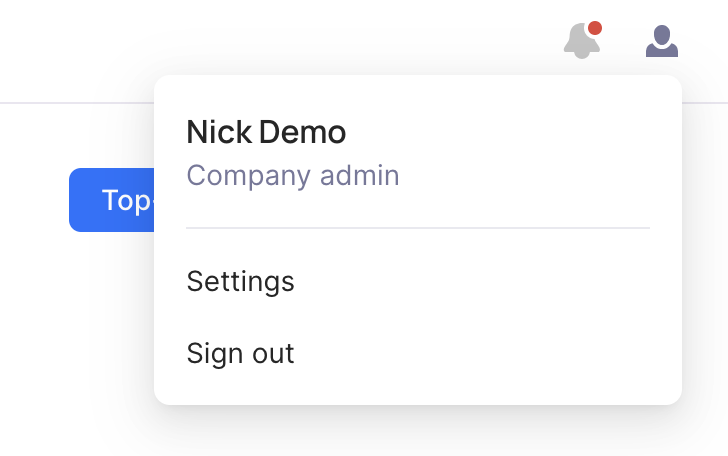
Afterward, proceed to the Currency Auto Conversion section, allowing you to specify the currencies you wish to convert into the desired final currency.
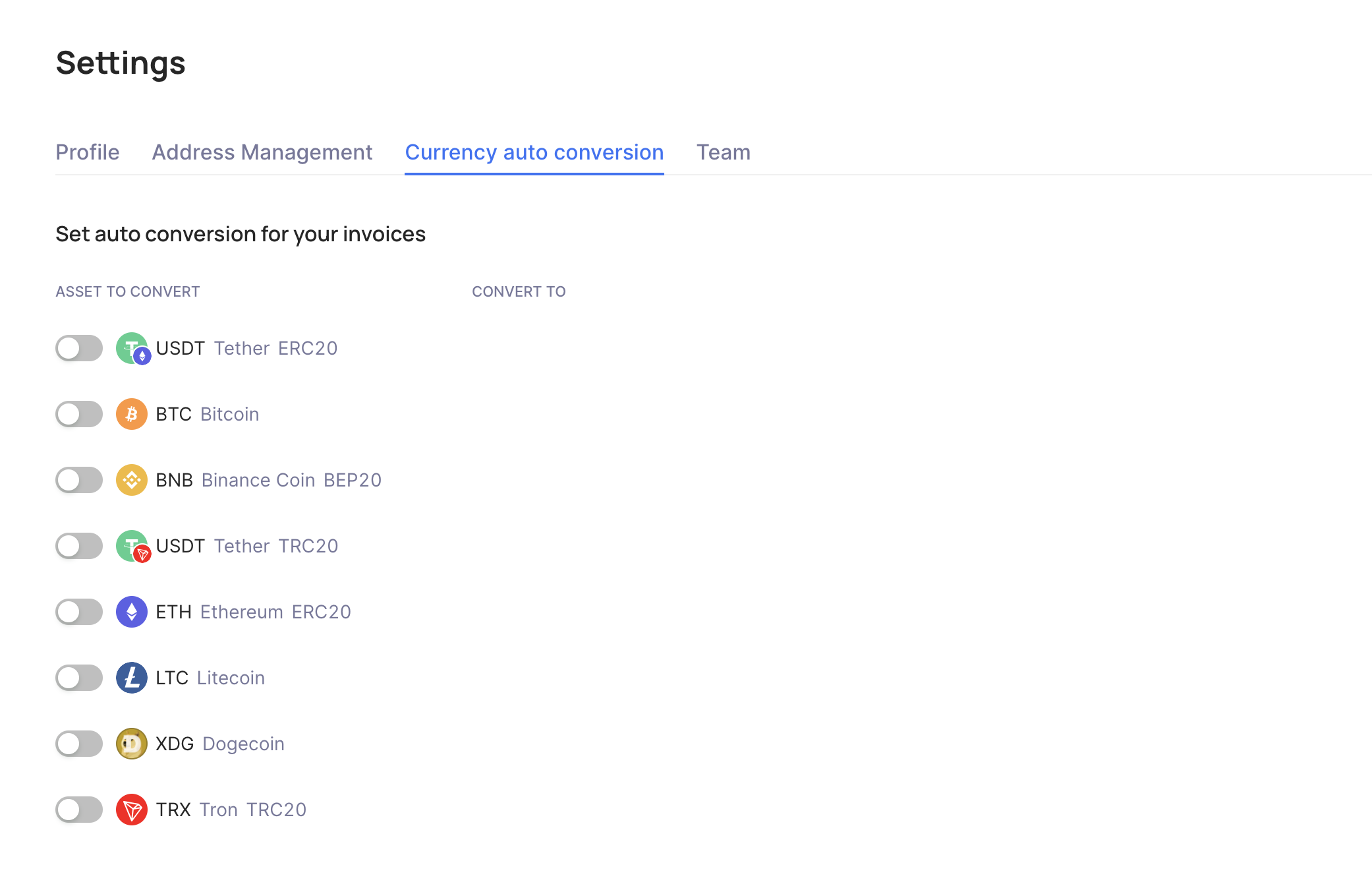
When the toggle is enabled, all incoming payments will automatically convert into the currency you've selected. This allows your users to deposit funds using various methods, while all funds on your account will accumulate solely in the chosen currency.
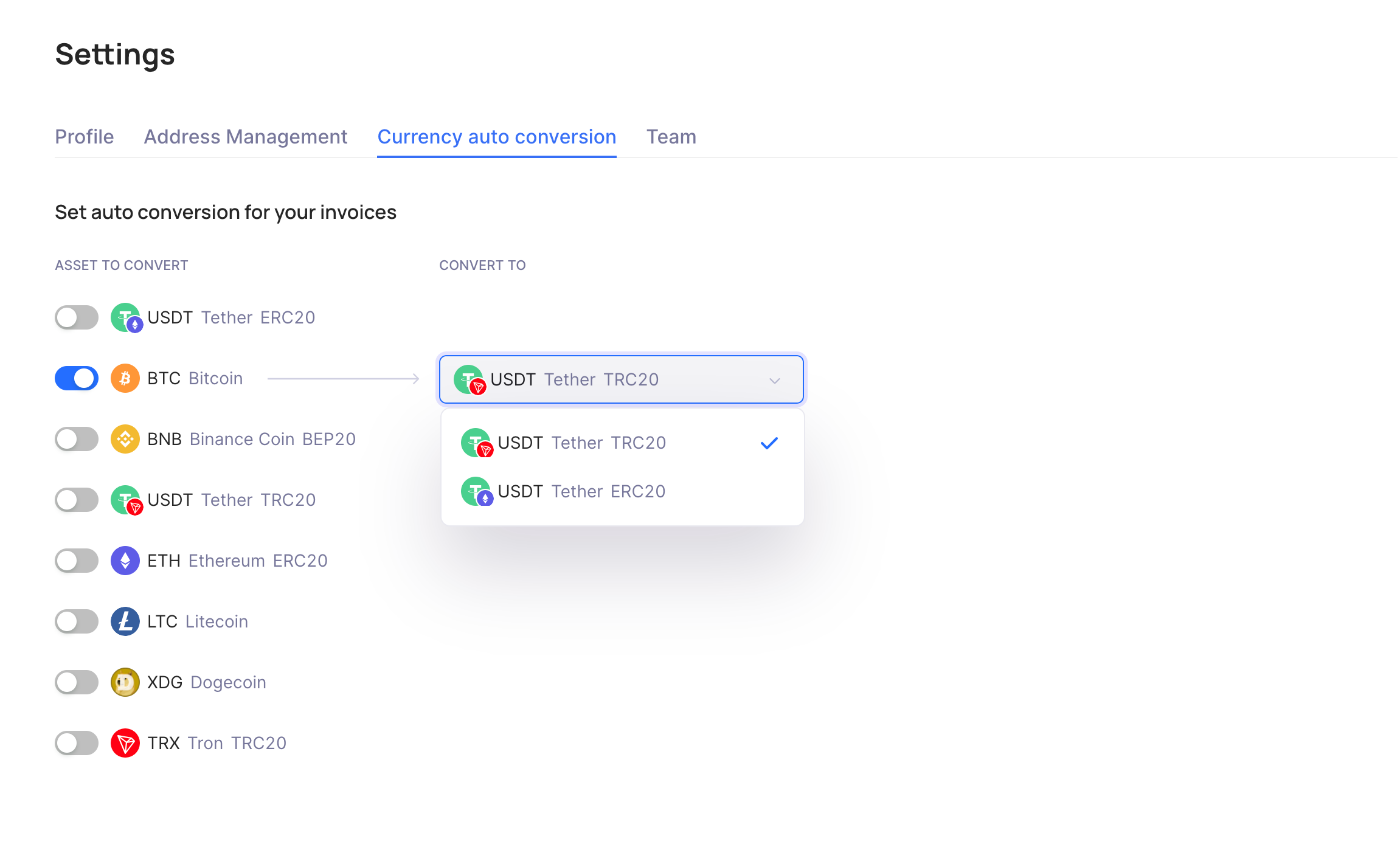
In this scenario, all incoming payments from your clients in BTC currency will automatically convert to USDT (ETH or TRX).
You can always disable currency auto-conversion by simply toggling it off.
Last updated