

Create a webhook
Webhooks are a mechanism that allows your web application to automatically receive notifications about events happening in other applications or systems. They are particularly useful for integrating different services and automating processes.
To create a webhook, navigate to the "Integration" section and switch to "Webhooks".
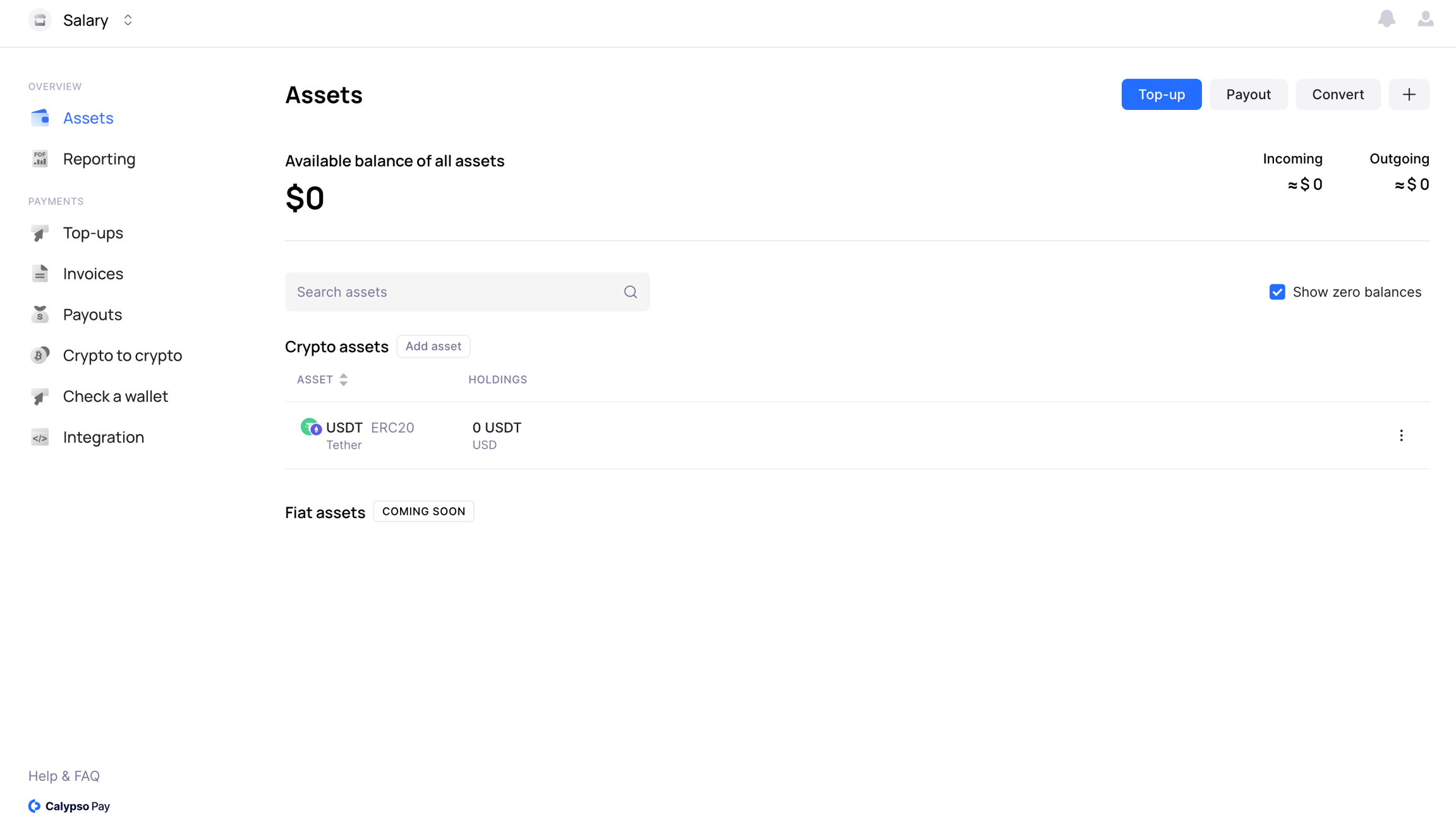
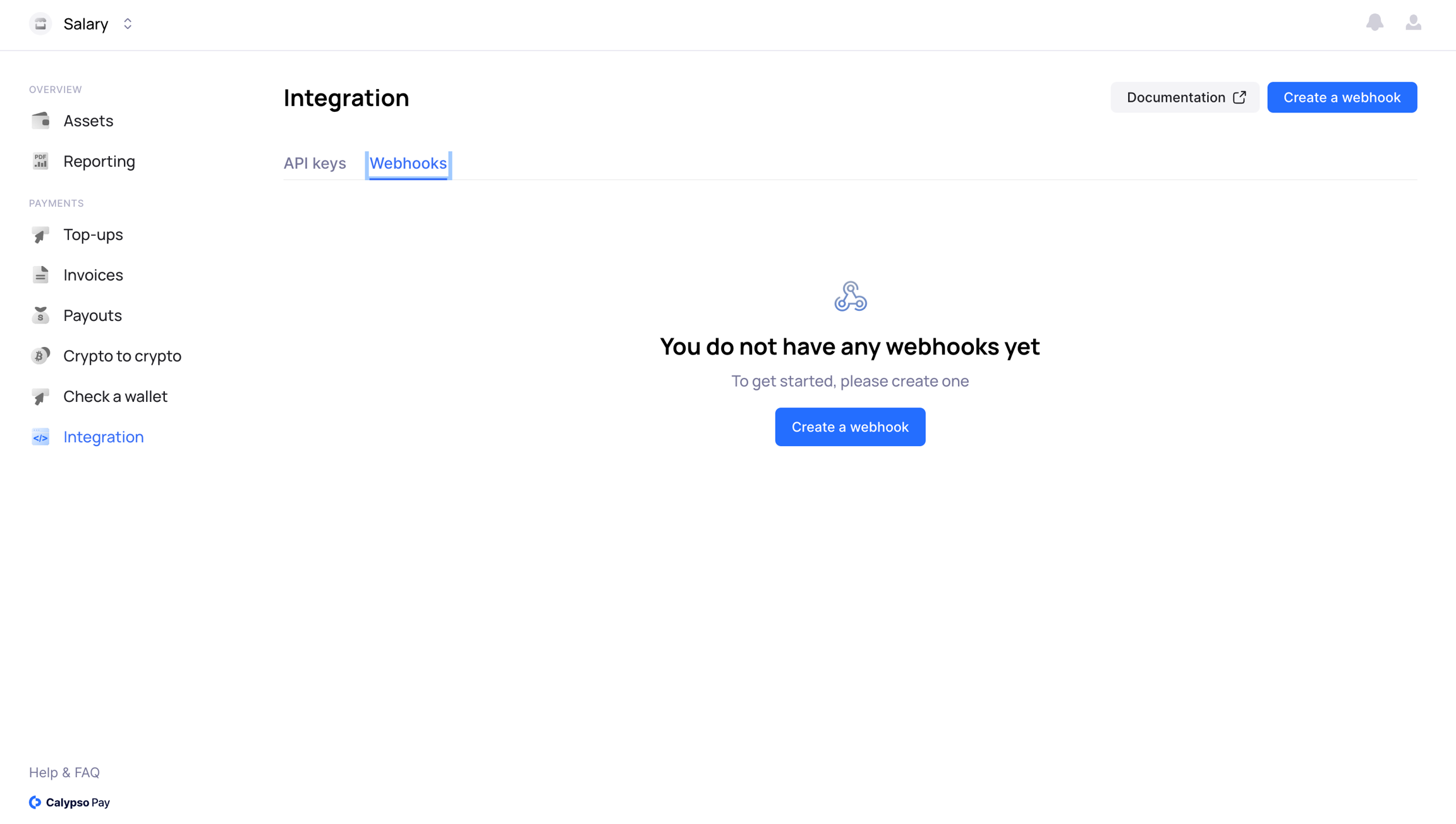
Then follow the simple creation process provided by the interface:
Enter the URL for the webhook.
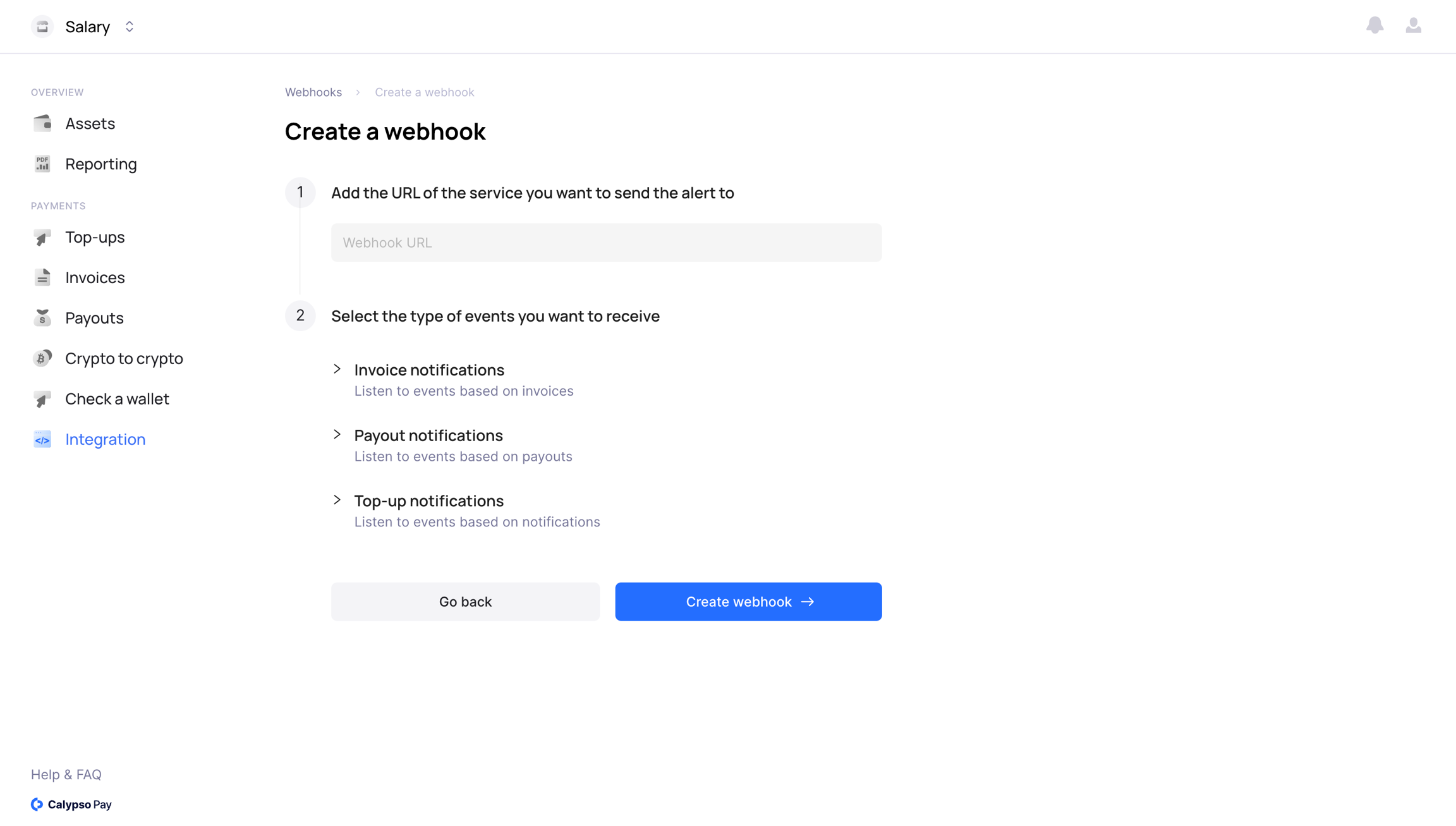
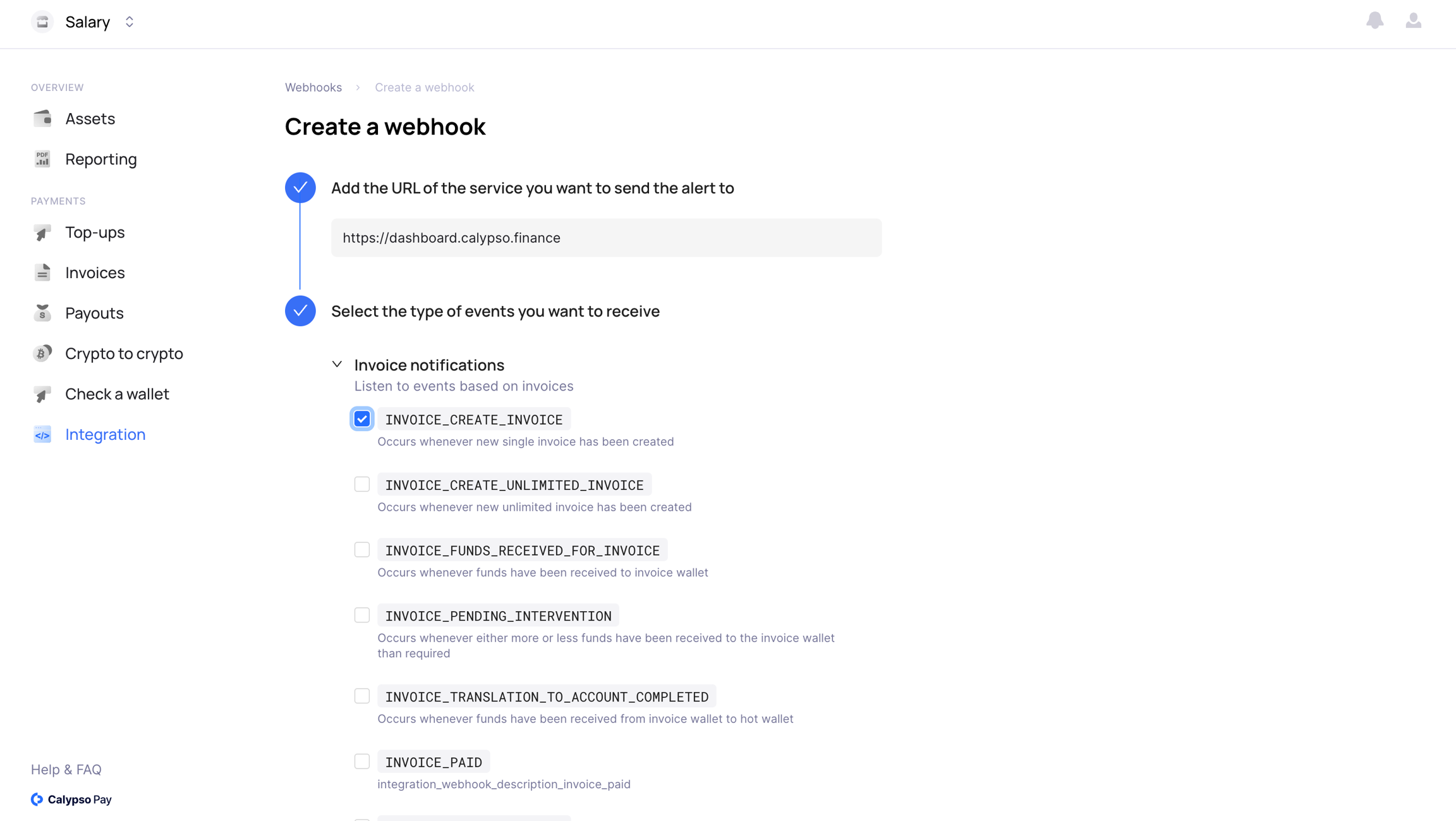
Subscribe to the types of events you wish to receive notifications for.
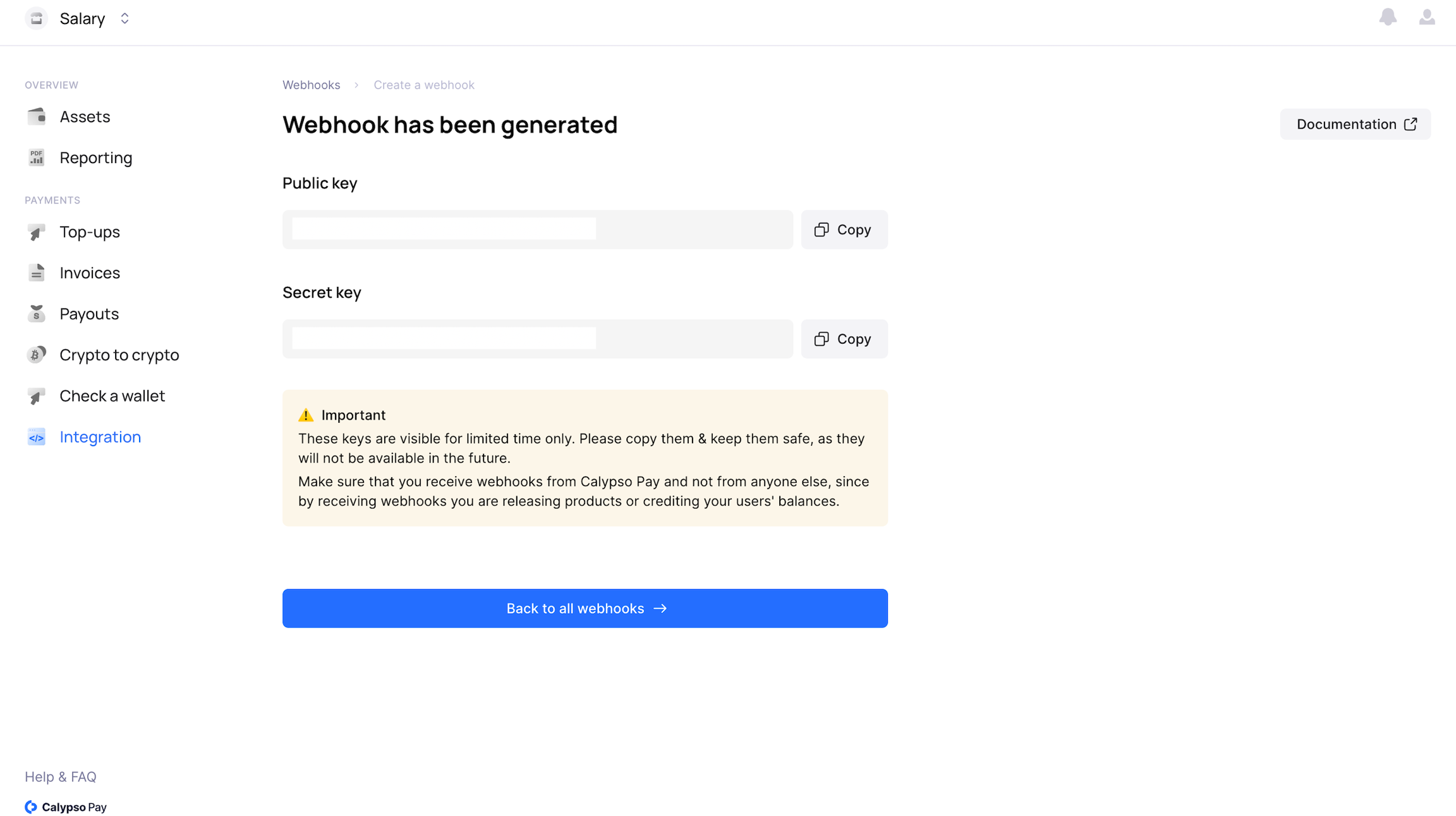
Be sure to save the webhook keys.
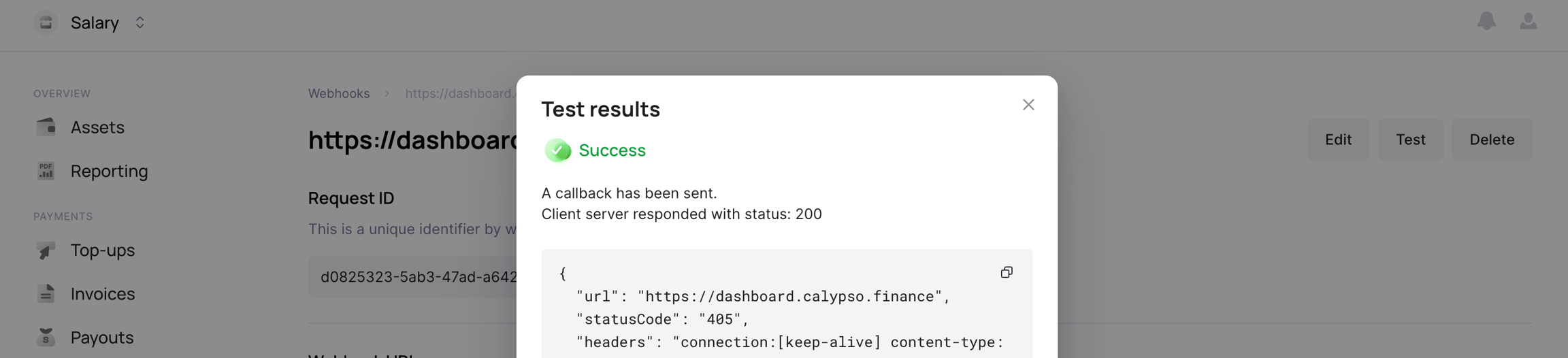
The interface provides an option to test the webhook's functionality.
However, webhooks can also pose certain risks, such as the potential for malicious actors to use them for attacks on your system. Therefore, it's important to prioritize security and use reliable authentication and authorization methods when working with webhooks.
Last updated