

How to create a single payout via UI
Payouts are used to send funds to other wallets or create payments to customers. In this article, we will tell you how to create a single Payout.
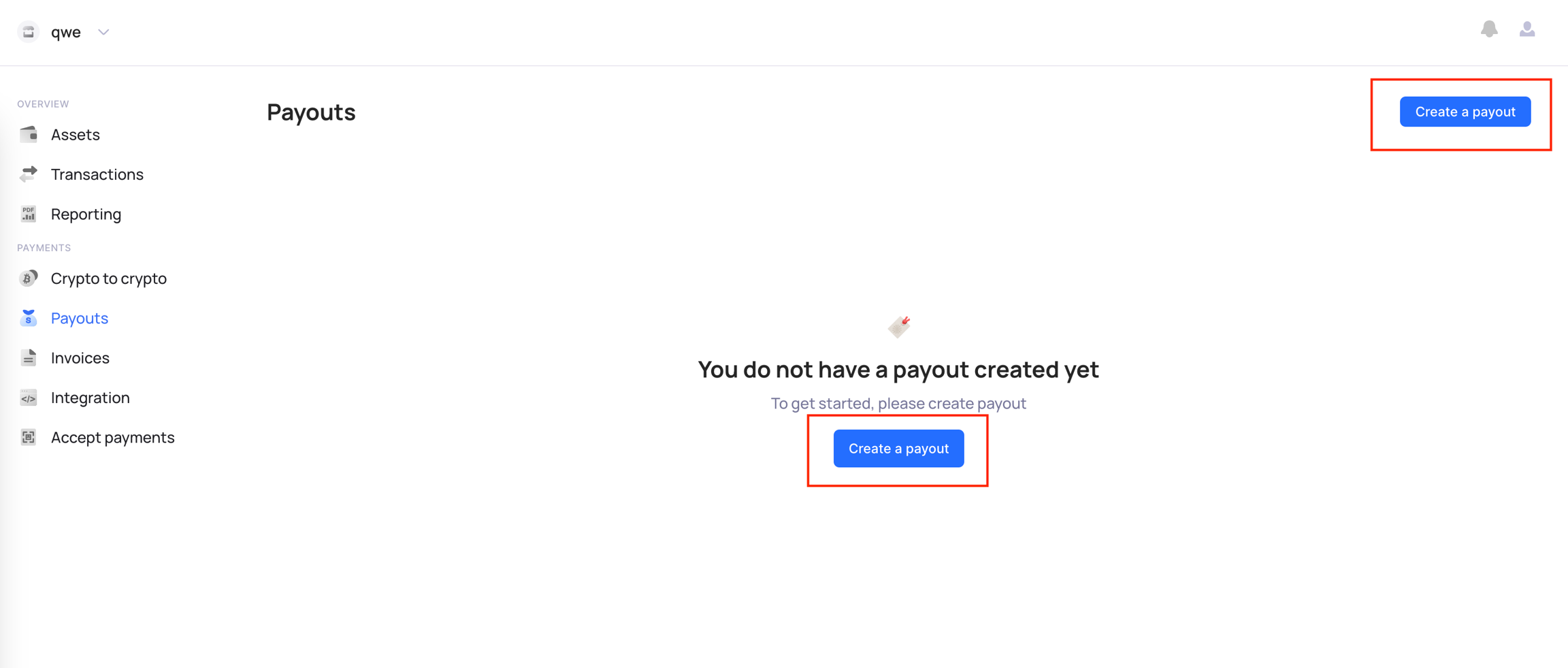
First, go to the "Payouts" tab and click on the "Create a payout" button.
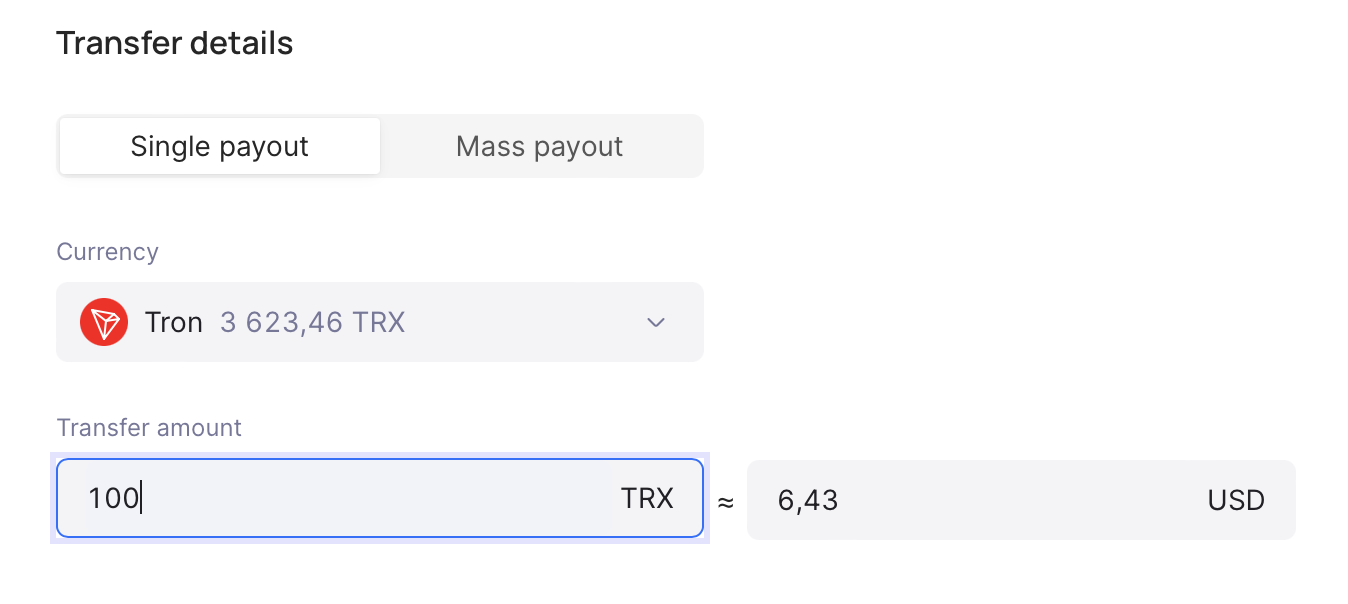
Select "Single payout" and specify an amount that you want to transfer.
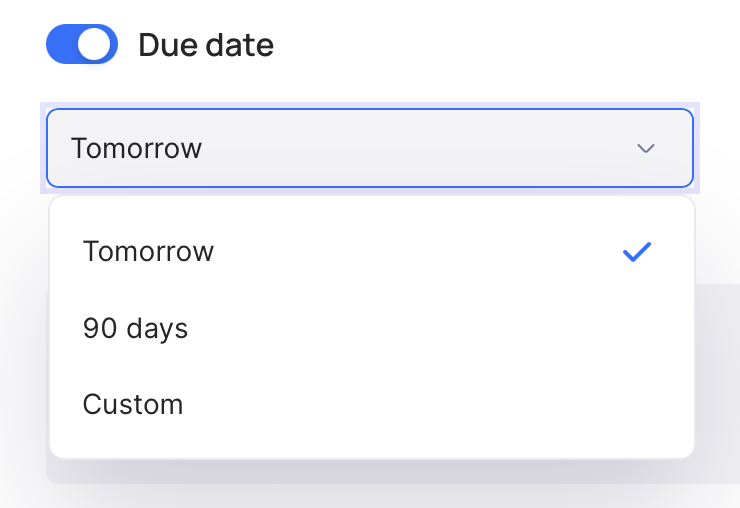
You can send payment instantly or select the later date for the payment. Use our presets or select a desired custom one.
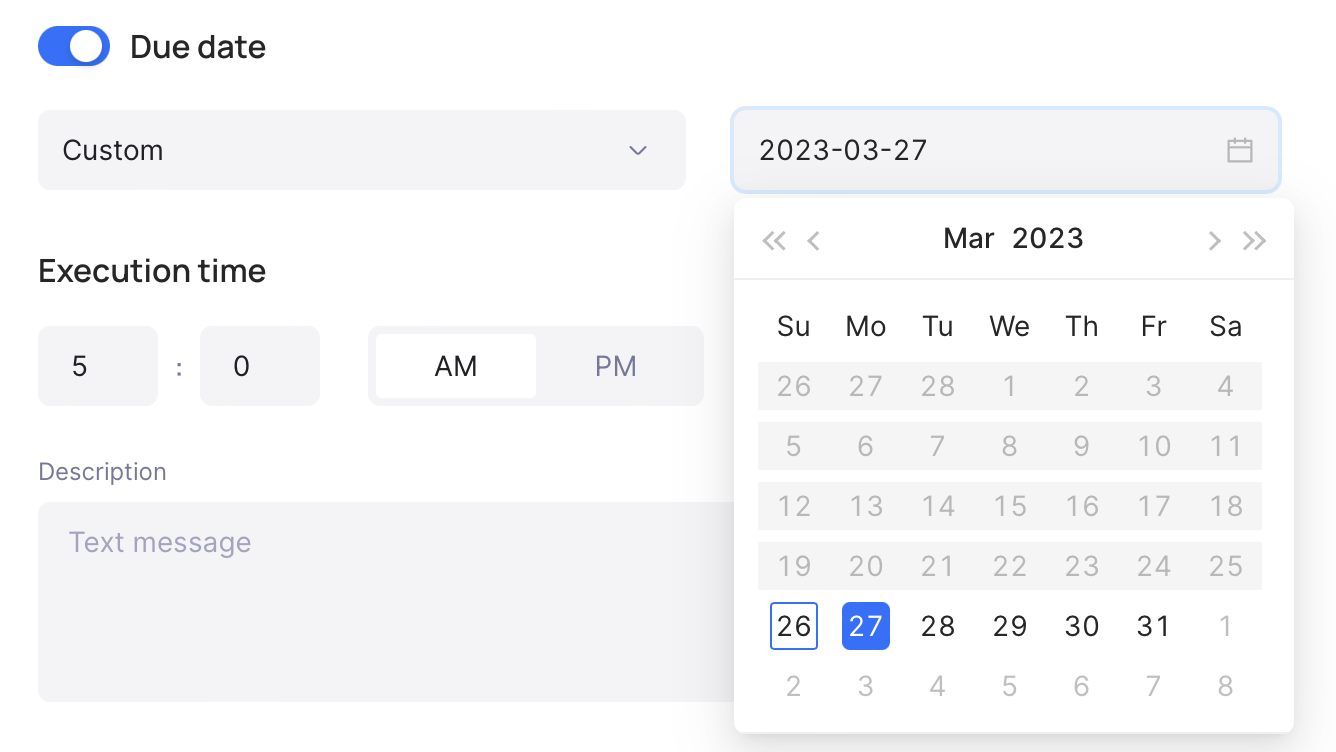
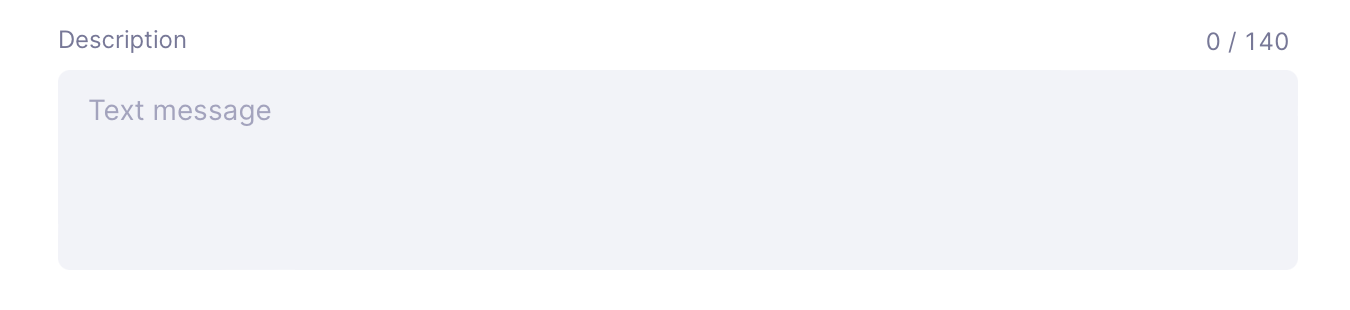
"Description" is a required field. As the name implies, it is used for convenience and to understand the purpose of the payment. Please note that it is only shown internally and not displayed to the receiver of the payment.
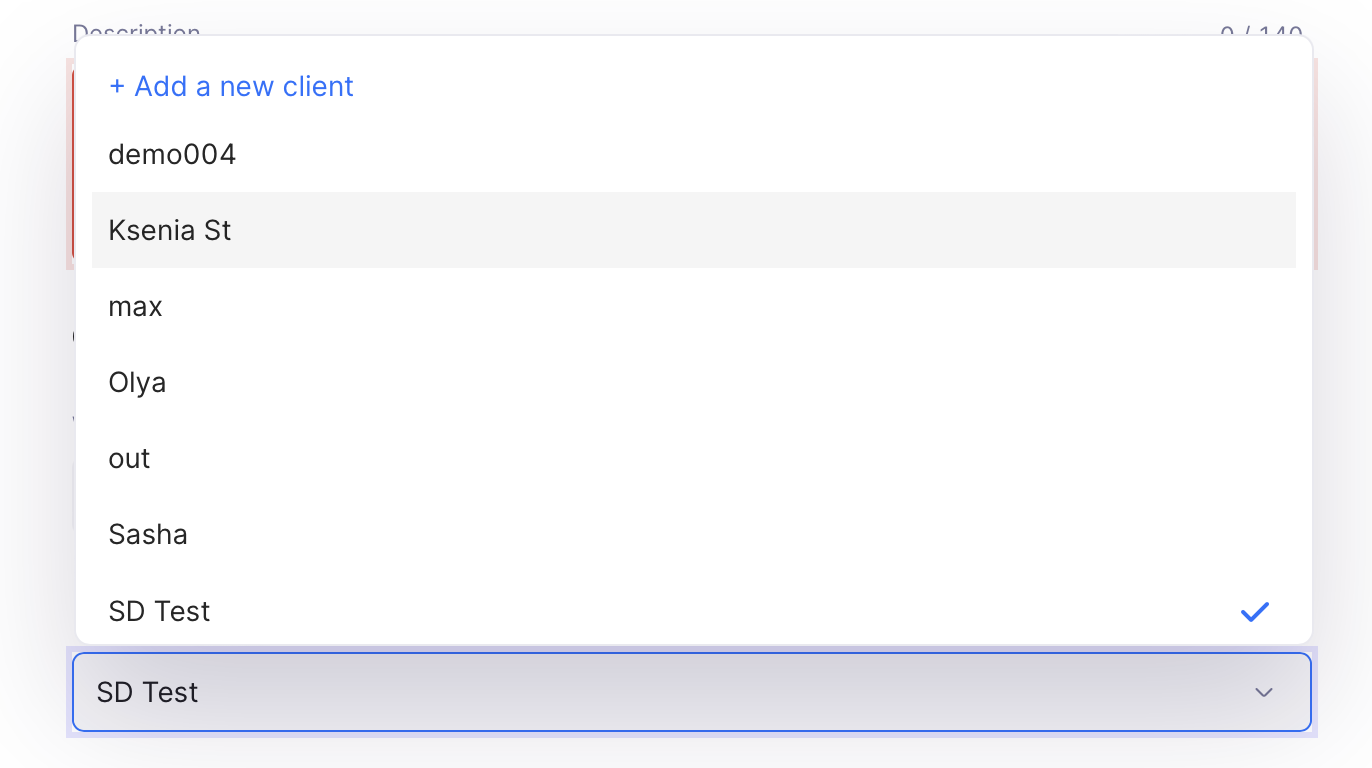
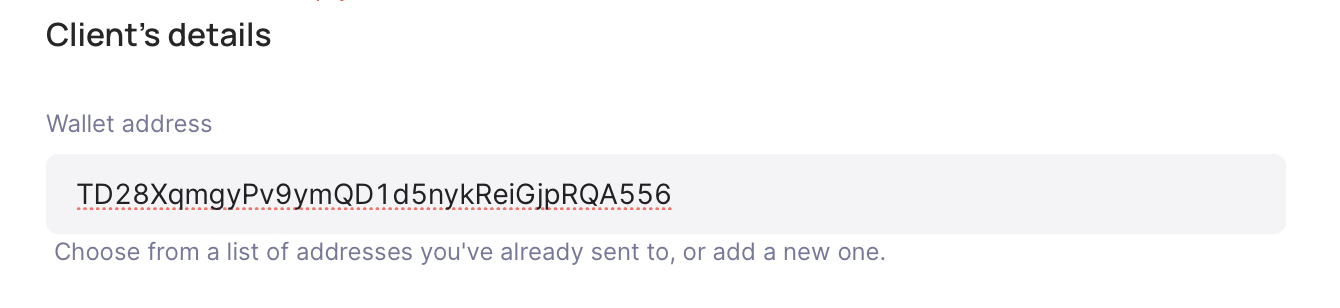
Add a new wallet address and save it to presets or chose one from previously saved.
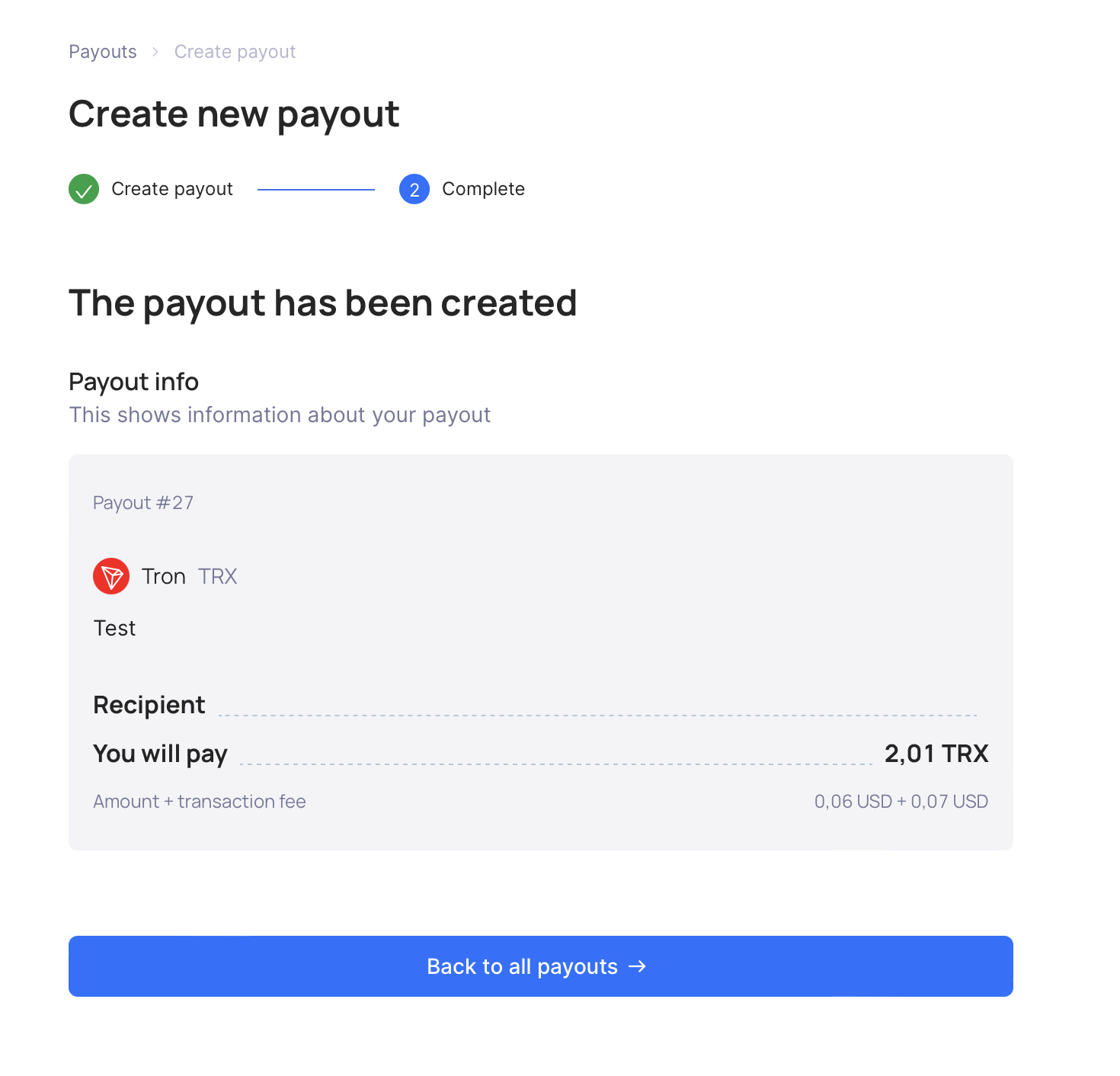
After creating a payout, you will be taken to a page with general information about it
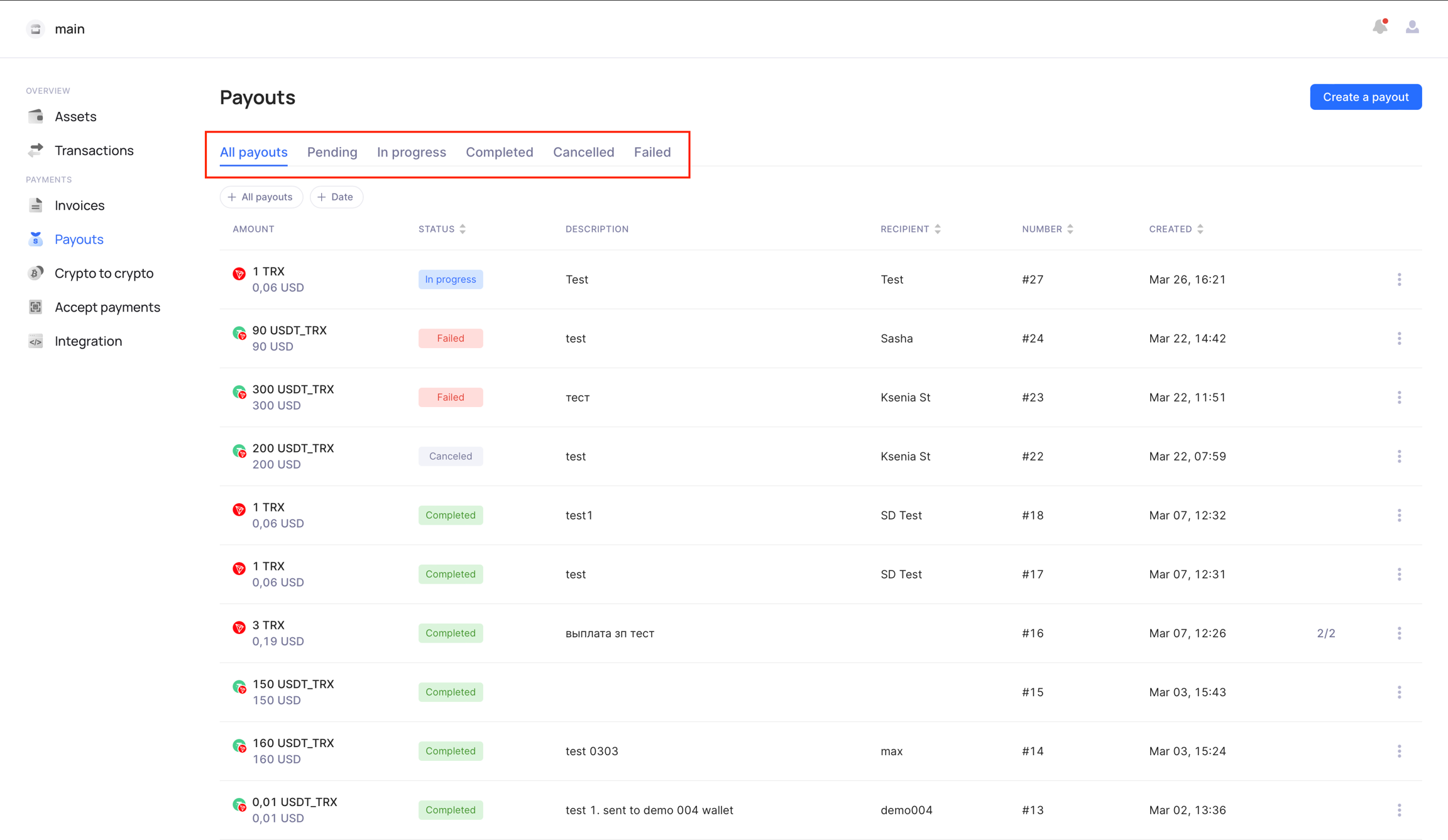
Then you can check all your created payments, their status, and other information in the "Payments" tab. Using status filters or additional filters you can easily find the payout that you need.
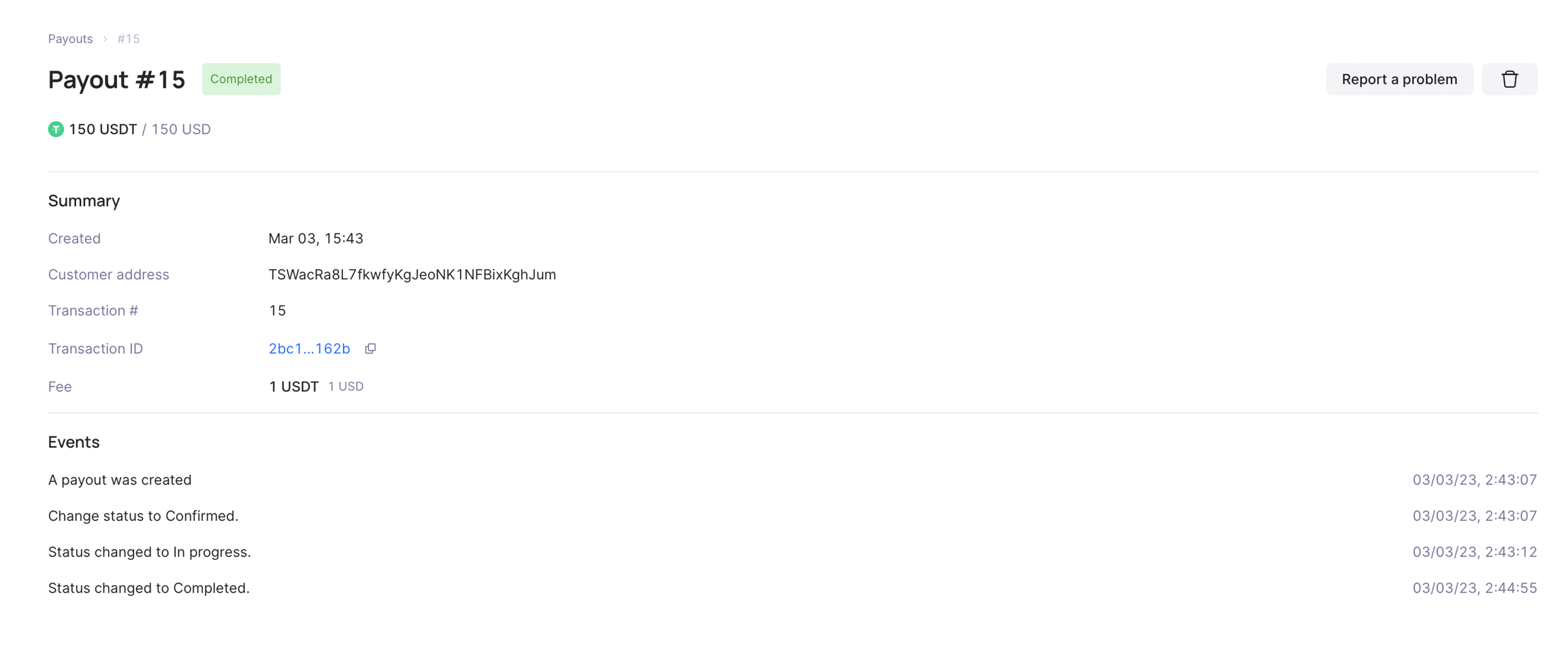
Select the payment you need and in the next window, you can find additional information about payment like transaction hash, customer address, and status lifetime changes.
Last updated